
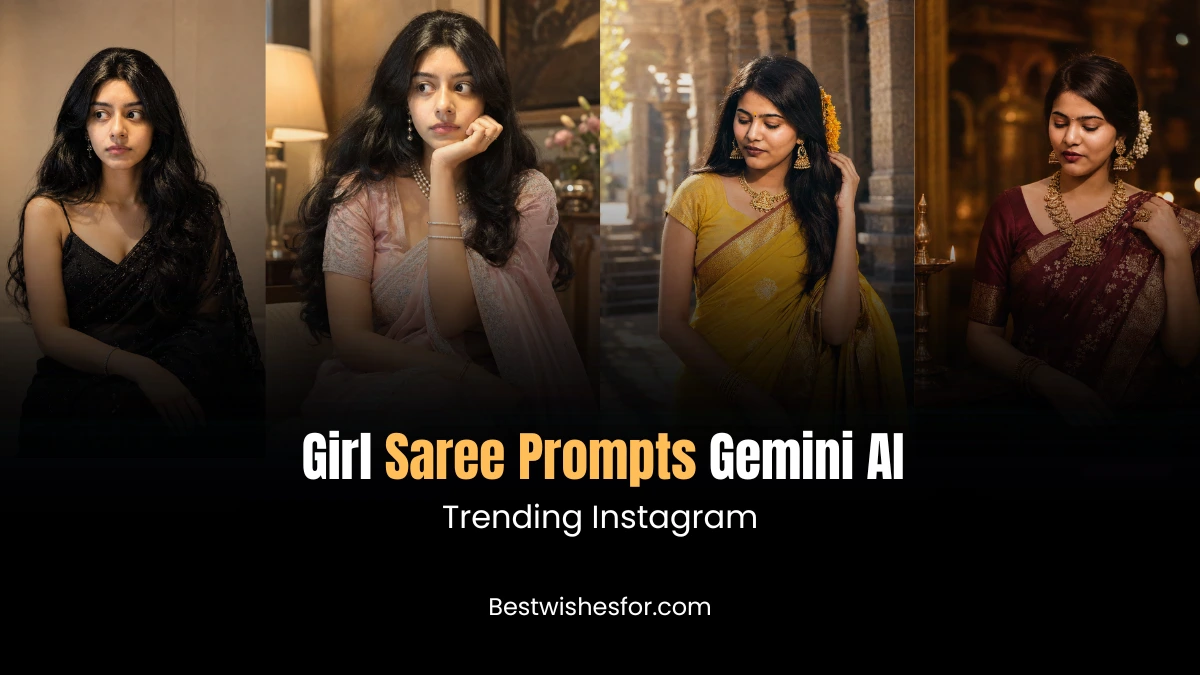
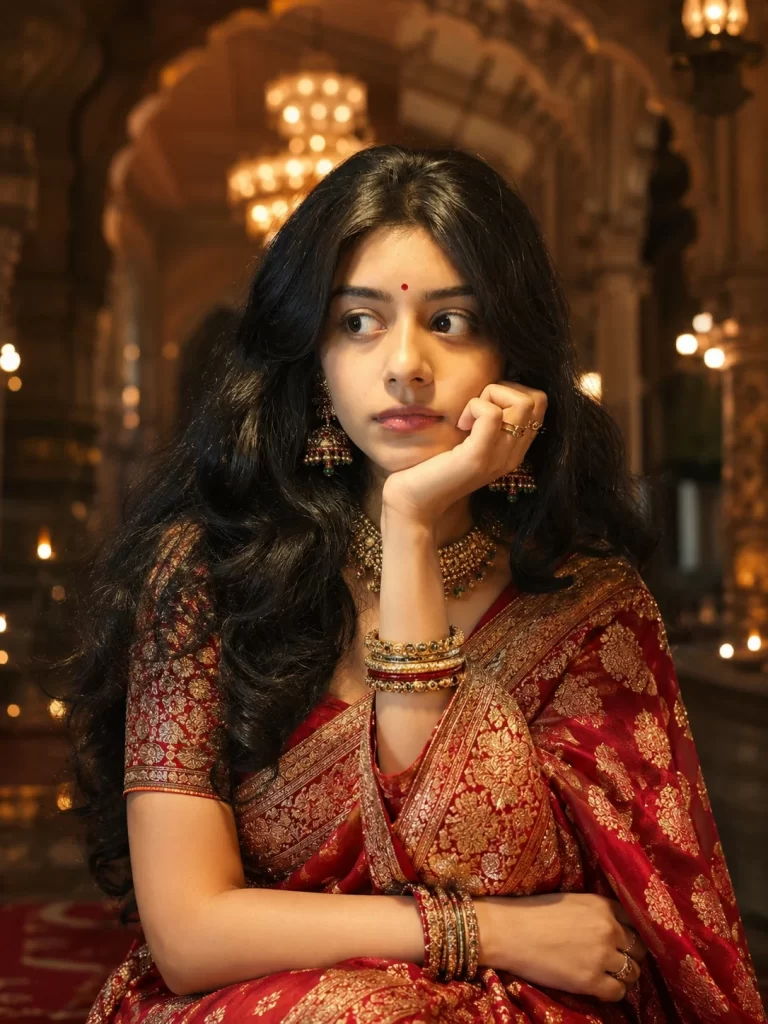
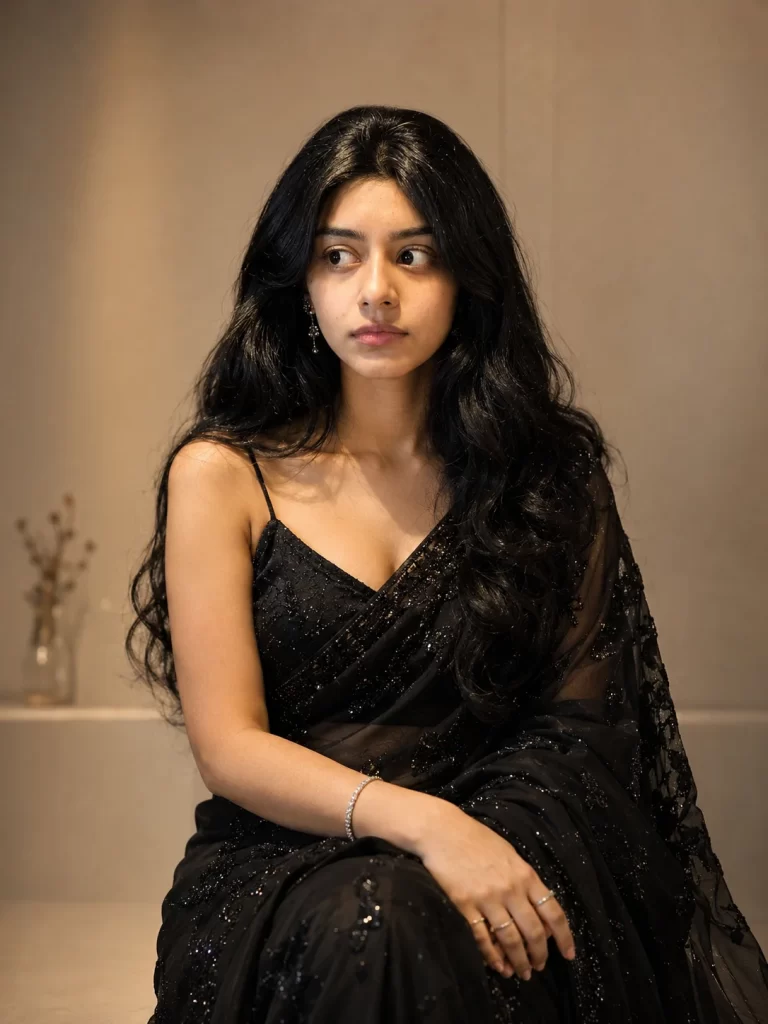
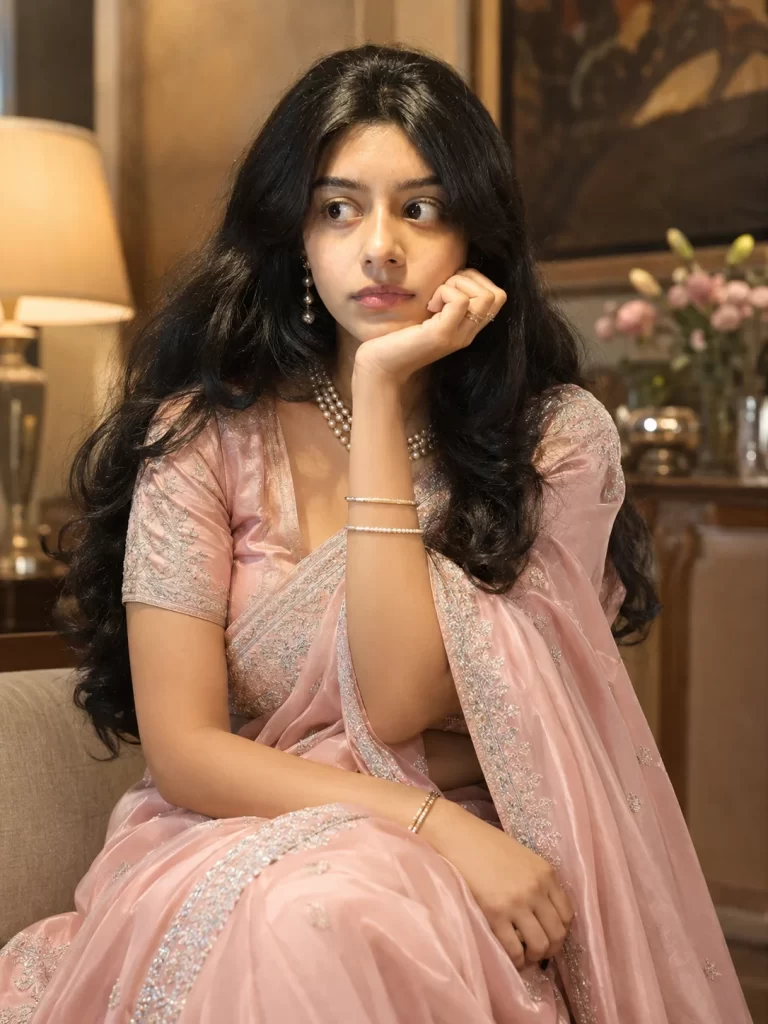
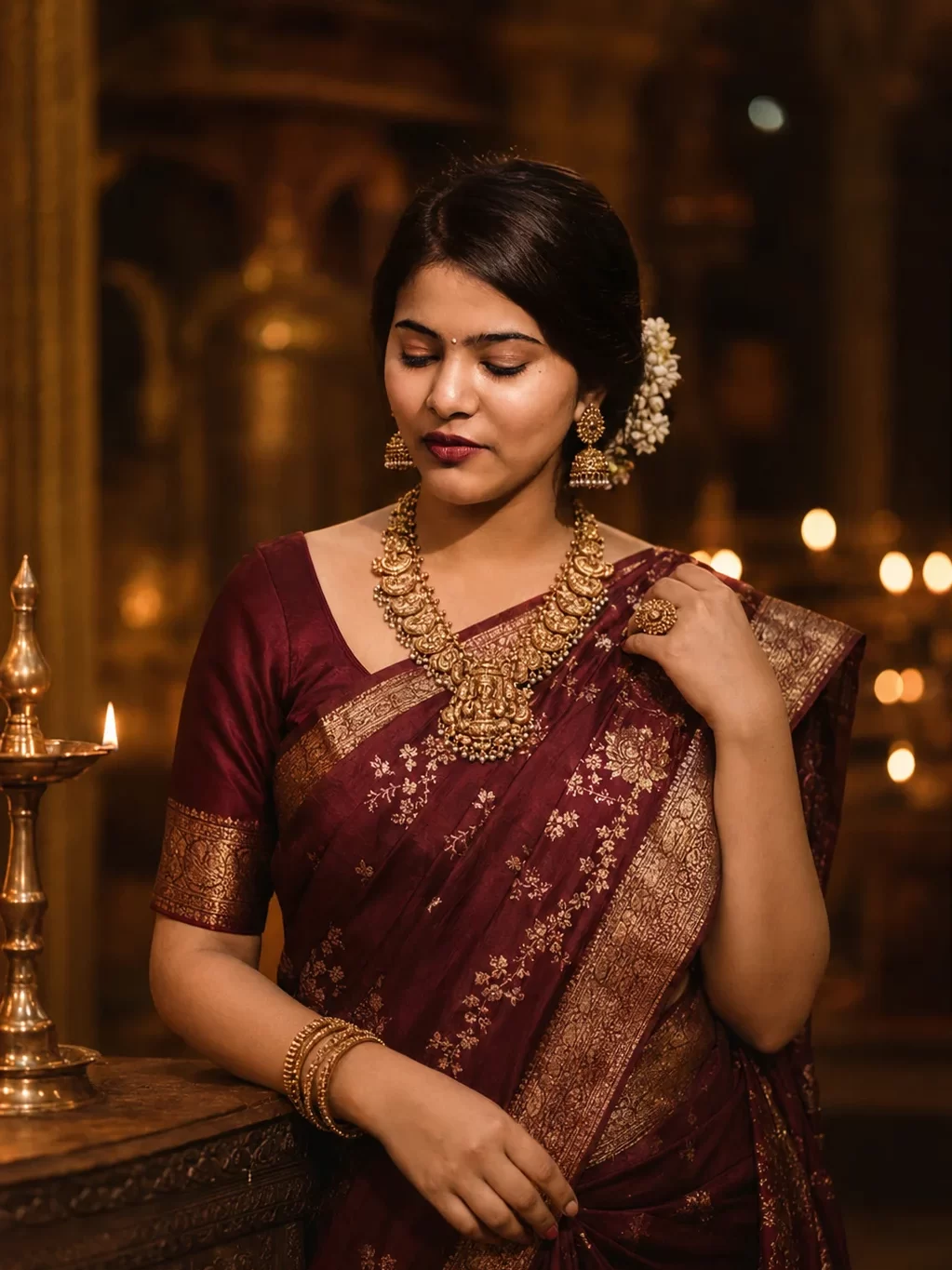
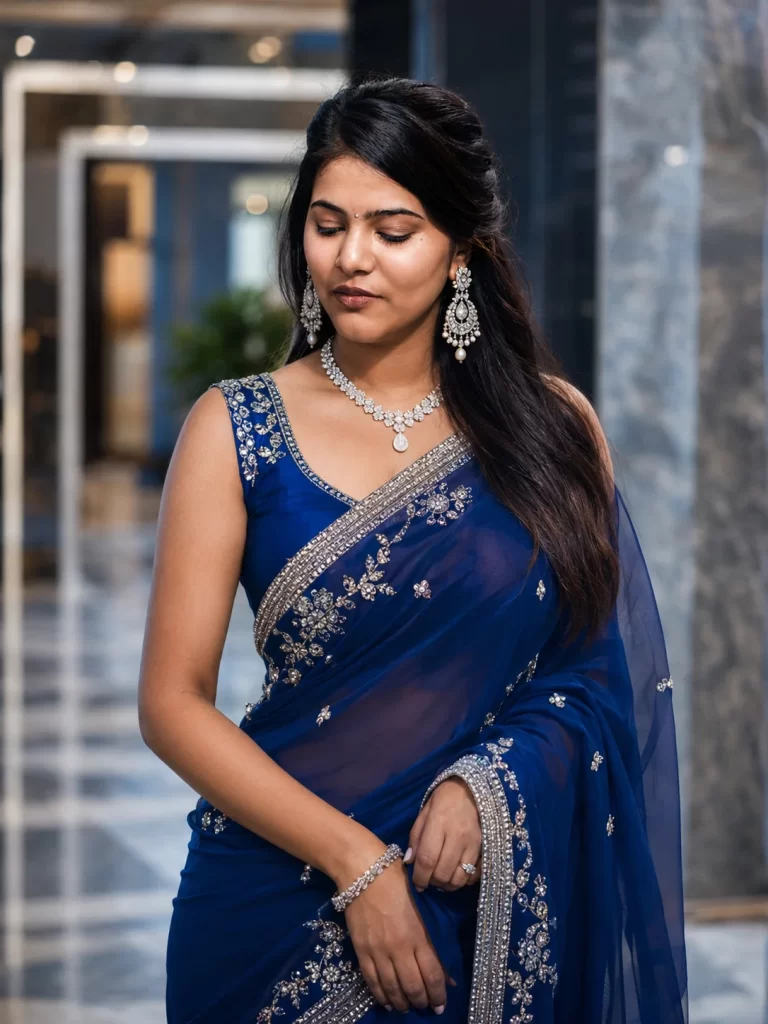
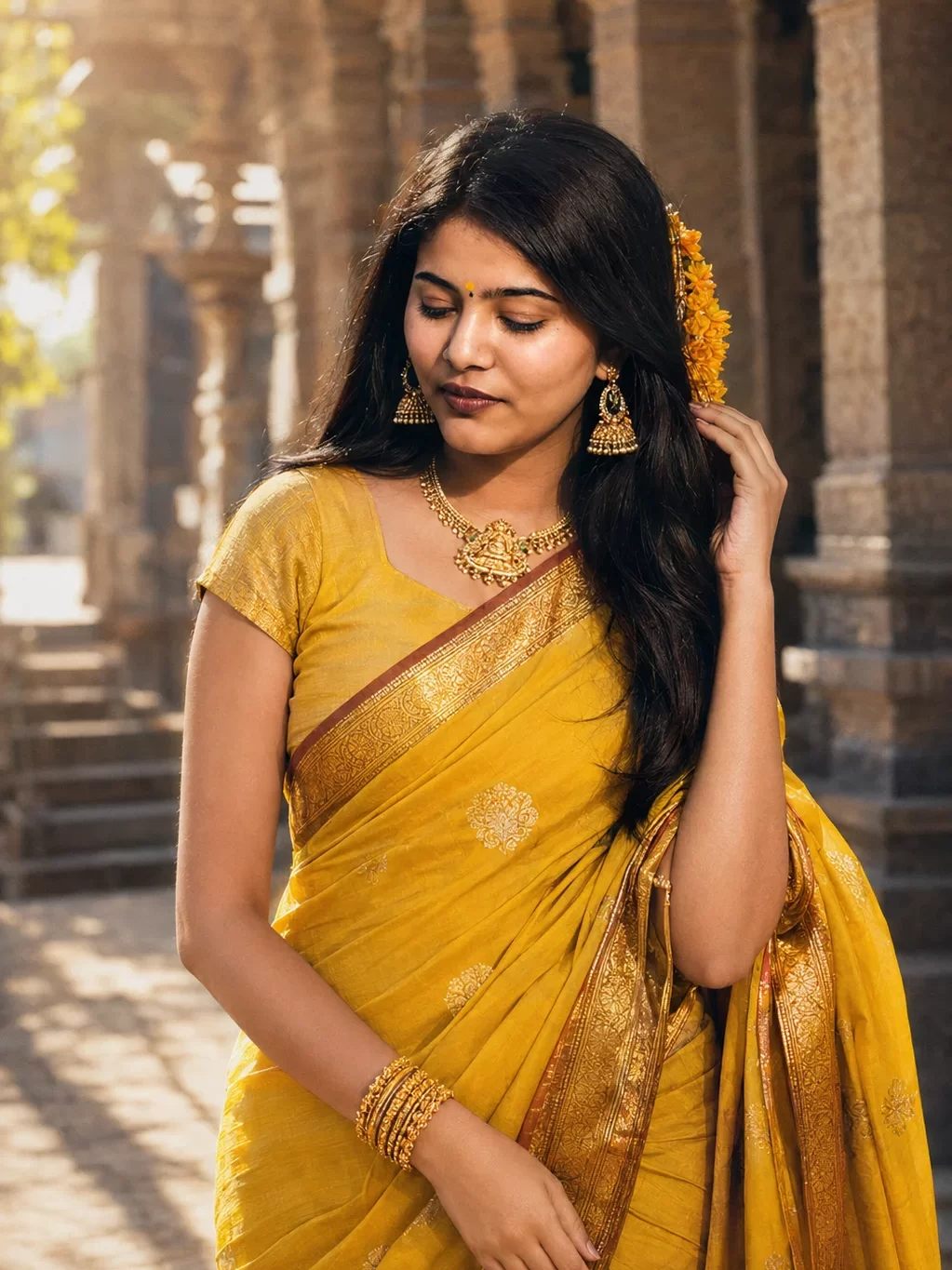
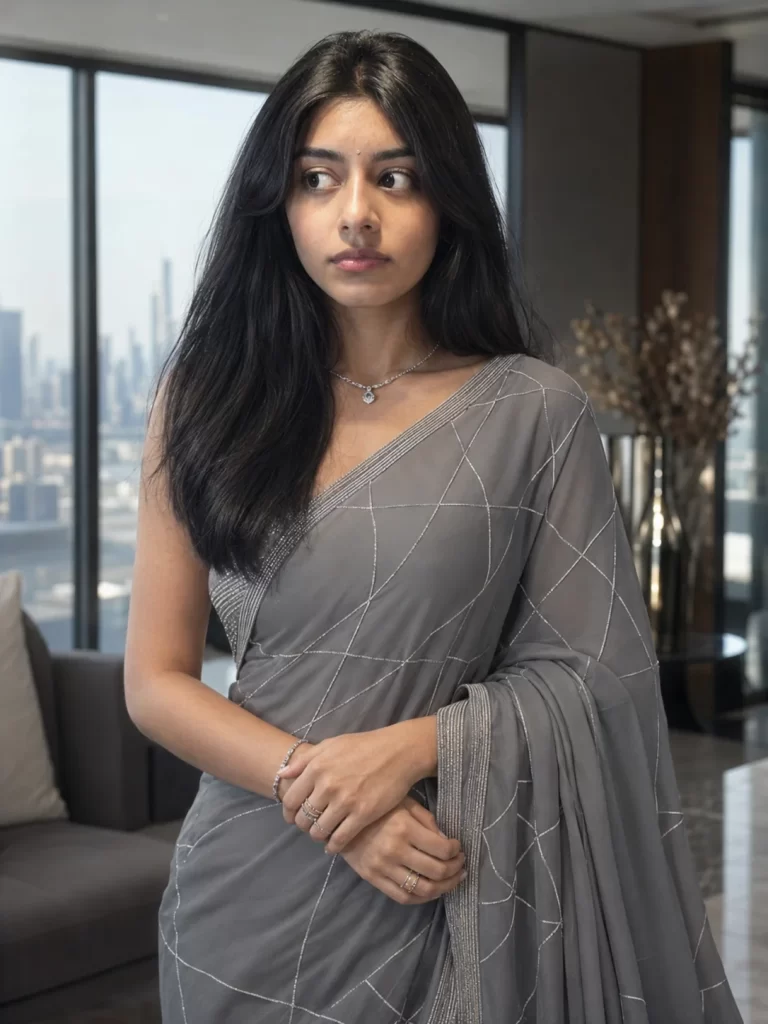
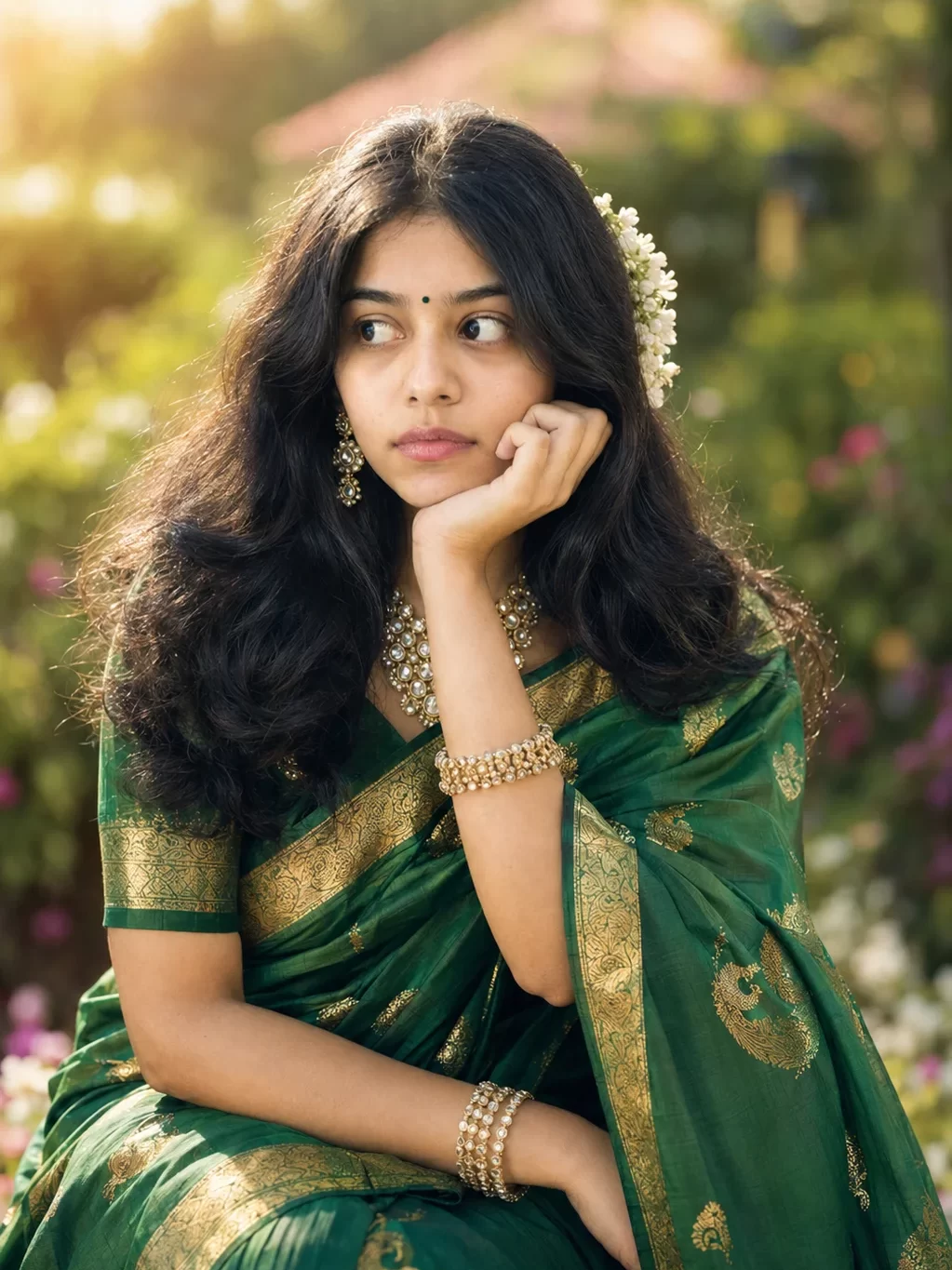
This comprehensive guide explores the best prompts for Gemini AI girl in saree – the trending use of Google’s Gemini image generation tool to create breathtakingly realistic photos of women wearing traditional Indian sarees. Whether you want to see yourself in a silk Banarasi saree, a georgette party look, or a heavily embellished bridal ensemble, the right prompt makes all the difference. Inside, you’ll find 10 carefully crafted, copy-paste ready prompts that include critical face-preservation instructions to keep your skin tone, hair, eyes, and facial features exactly as they appear in your uploaded photo. We’ve also included a beginner-friendly, step-by-step tutorial to generate your first AI saree image on Gemini, along with answers to the most frequently asked questions about this popular AI photography trend.
Copy-Paste Gemini AI Saree Prompts With Face Preservation
All prompts below include face-preservation guidelines. Upload your clear face photo to Gemini before using these prompts. The face-preservation instructions at the start of each prompt are critical – they tell Gemini to keep your exact skin tone, eye color, hair, and facial features.
Read Also: Gemini AI Photo Prompts Girl with Rose Copy Paste
How to Generate AI Saree Images on Gemini
Follow these simple steps to create your AI saree photo using Google Gemini. No technical skills needed — just a clear photo and the right prompt.
Open Google Gemini
Go to gemini.google.com on your browser or open the Gemini app on your Android or iOS device. Sign in with your Google account. Make sure you are using Gemini Advanced (available with Google One subscription) for the best image generation results.
Choose a Clear Face Photo
Select a high-quality, well-lit photo of your face to upload. The ideal photo should be taken in good lighting, showing your face clearly from the front, without heavy filters or extreme angles, and with your natural hair and skin visible. A recent selfie or portrait works perfectly.
Upload the Photo to Gemini
In the Gemini chat window, click the image/attachment icon at the bottom of the input bar. Select your face photo from your device. Wait for the photo to upload — you will see a thumbnail preview appear in the chat input field.
Copy and Paste Your Chosen Prompt
From the prompts section above, choose the saree style you want and copy the full prompt text. Paste it into the Gemini text input field alongside your uploaded photo. Make sure both the photo and the text are in the same message before sending.
Generate and Review the Image
Hit Enter or tap the send button. Gemini will process your prompt and generate one or more AI images, usually within 15–30 seconds. Review the output carefully: does the face look like you? Are the saree details accurate? Click regenerate to get a fresh variation.
Refine With Follow-Up Prompts
If you want changes — like a different background, jewellery color, or hair style — simply type a follow-up instruction in the same chat window. For example: ‘Keep everything the same but change the background to a garden.’ Gemini maintains context within the conversation.
Download and Share Your AI Saree Photo
Once you are happy with the result, click or tap the generated image to view it in full size. Use the download button to save the image to your device in high resolution. Remember to note that it is an AI-generated image when sharing on social media.
Visit Also: Trending 20+ Birthday Prompts For Girlfriend to Generate AI Images
Conclusion
The ability to generate stunningly realistic AI saree images using Gemini is genuinely transformative. What once required a professional photographer, a fashion stylist, a makeup artist, and an expensive wardrobe can now be accomplished in under a minute — with nothing more than a selfie and the right words.
The ten prompts in this guide are your starting point. Each one is carefully engineered to preserve your unique face while dressing you in a different and beautiful saree style — from the grandeur of a Kanjivaram silk at a South Indian temple to the effortless elegance of an organza drape in a sunlit studio. The face-preservation instructions at the start of each prompt are the single most important element: they tell Gemini that your face matters, and that the AI should honor it faithfully.
As AI image generation continues to evolve, tools like Gemini will become even more accurate and personalized. But the principles will remain the same: clear reference photo, detailed prompt, and specific guidance about what to keep and what to create. Bookmark this page, experiment with the prompts, and discover the saree-clad version of yourself that has been waiting to be seen.
FAQs
Can Gemini AI really keep my face the same in generated saree images?
Yes, Google Gemini — especially Gemini Advanced with Imagen 3 — is capable of using an uploaded reference photo to preserve your facial features in a generated image. However, results can vary. The key is to include explicit face-preservation instructions in your prompt, which all the prompts in this article already do. Phrasing like ‘keep the face identical — same skin tone, eye shape, hair color’ gives Gemini specific, non-ambiguous instructions that significantly improve accuracy. For best results, always use a high-quality, well-lit, clear face photo as your reference.
Do I need Gemini Advanced or does the free version work?
Both the free and Advanced versions of Gemini support image generation. However, Gemini Advanced (available via a Google One AI Premium subscription) uses Imagen 3, Google’s most powerful image generation model, which delivers significantly better image quality, more accurate face retention, and more detailed rendering of clothing textures and jewellery. If you are serious about generating high-quality AI saree images, Gemini Advanced is strongly recommended.
What type of photo should I upload for the best face-matching results?
For optimal face preservation, upload a photo that is: taken in natural or bright, even lighting; a clear frontal or slight three-quarter angle view of your face; free from heavy filters or extreme color grading; recent and showing your current hair and natural skin; without sunglasses or hats that obscure your face; and at least 800×800 pixels in resolution. A well-lit, recent selfie or a portrait photo is ideal.
Can I customize these prompts for different saree colors or styles?
Absolutely — and you are encouraged to do so! All the prompts in this guide are designed as templates. You can freely change the saree color, fabric type, embroidery style, jewellery, hair styling, makeup look, and background setting. Simply edit those parts of the prompt while keeping the face-preservation instructions at the beginning intact. For example, if you want a blue saree instead of red in Prompt 1, just change ‘deep red Banarasi silk saree’ to ‘royal blue Banarasi silk saree.’
Is it safe to upload my photo to Gemini? What happens to my data?
Google Gemini follows Google’s standard privacy policies. When you upload an image for use in a Gemini conversation, the image is processed to generate the requested output. Your images and conversations with Gemini may be reviewed by human reviewers to improve Google’s AI systems, unless you have opted out in your Google account settings. For additional privacy, you can manage your Gemini activity data under ‘My Activity’ in your Google Account settings.
Why does Gemini sometimes generate a different face even when I upload my photo?
This is one of the most common challenges with AI image generation tools. It happens because the reference photo may be too small, blurry, or poorly lit; the prompt may not include strong enough face-preservation instructions; or the AI may blend your features with its training data. To minimize this, use strong face-instruction language (all prompts in this guide are already optimized), upload the highest quality photo you have, and if the result is off, try regenerating 2-3 times — variation between attempts often produces a better match.
I am a seasoned blogger with over 10 years of experience in content writing. I specialize in creating engaging articles on festivals and events, sharing cultural insights, traditions, and celebration ideas with readers worldwide. My work focuses on delivering informative and easy-to-understand content that connects with diverse audiences.