
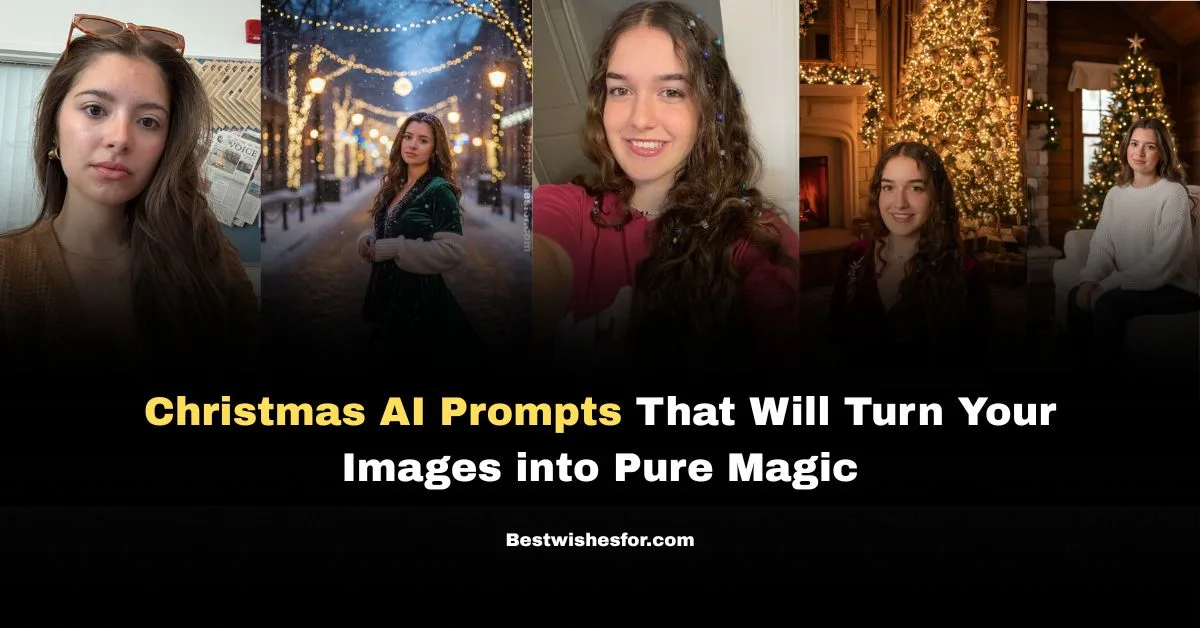
The grand festival season has arrived, and the countdown to Christmas celebrations has officially begun. Everywhere you look, the joy of preparing for the big day is in the air-homes are getting decorated, Christmas trees are lighting up corners, and social media is already filled with festive excitement. One of the most beautiful traditions of this season is exchanging gifts and sharing heart-warming greetings with the people you love.
This year, we’re bringing you something a little extra special-unique Christmas activities you can enjoy all by yourself! Try these creative Christmas AI prompts and transform your own photos into magical Christmas-themed images full of festive charm.
Visit Also: Send Your Loved One Christmas Wishes in Advance
Steps to Convert Your Image into Christmas AI Theme
Creating festive visuals has never been easier with Christmas prompts for Gemini. Whether you’re designing greeting cards, social posts, or family keepsakes, these Free Christmas prompts for Gemini help you transform ideas into stunning AI-generated Christmas images-quickly, creatively, and with zero effort.
1. Open Gemini (or any AI image generator).
- Login to access full-quality features.
2. Upload your clear, high-quality photo.
- Make sure your face is well-lit and visible.
3. Select “Create / Generate Image” and paste your Christmas prompt.
- Add details like “Keep my exact face and skin tone.”
4. Click Generate to create your Christmas-themed image.
- Wait a few seconds for the final festive result.
Visit Also: Merry Christmas Good Morning Wishes
Christmas 2025 Trending AI Prompts Copy Paste
1. Realistic Snowy Christmas Evening
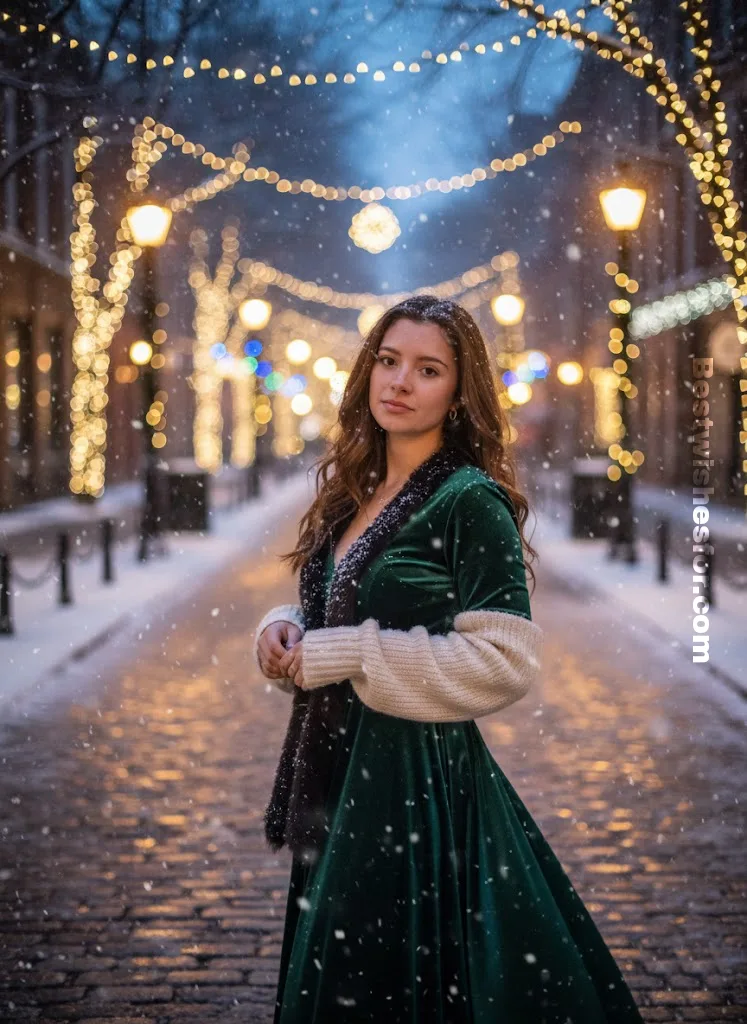
“Create a realistic Christmas portrait using my photo. Keep my exact face, skin tone, expressions, and proportions unchanged. Place me in an elegant snowy evening with soft falling snow, golden street lamps, glowing fairy lights, and bokeh lights. Blend my photo naturally with consistent lighting, shadows, and depth. Add gentle snowfall and soft winter tones for a magical festive look.”
2. Luxury Indoor Christmas Tree Setup
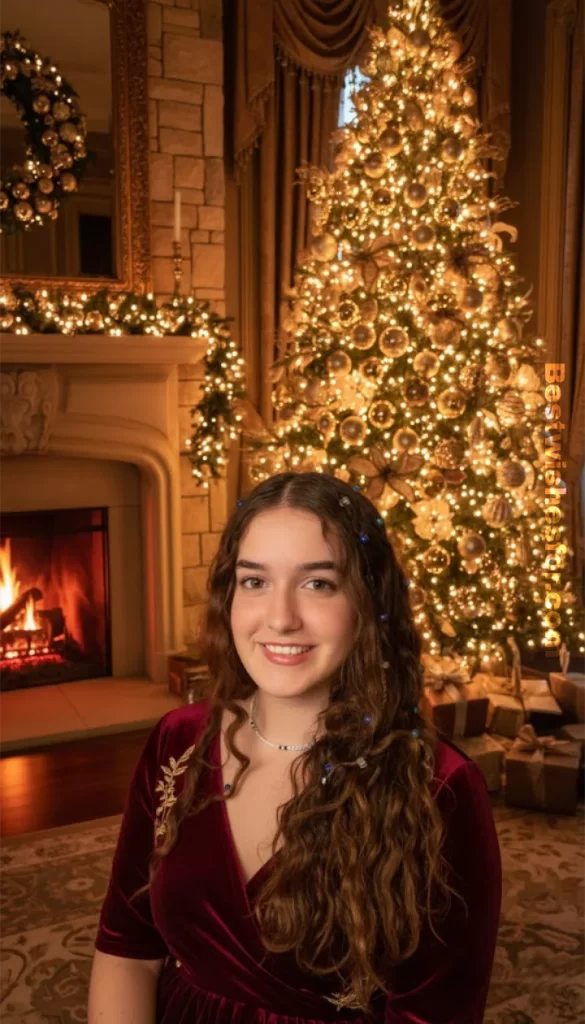
“Convert my image into a luxury Christmas indoor portrait, maintaining my exact face details and natural features. Add a tall decorated Christmas tree with gold ornaments, warm lights, and wrapped gifts. Include a cozy fireplace glow. Match lighting on my face to the warm ambient golden tones for a realistic blend.”
3. Classic Red & Green Christmas Portrait
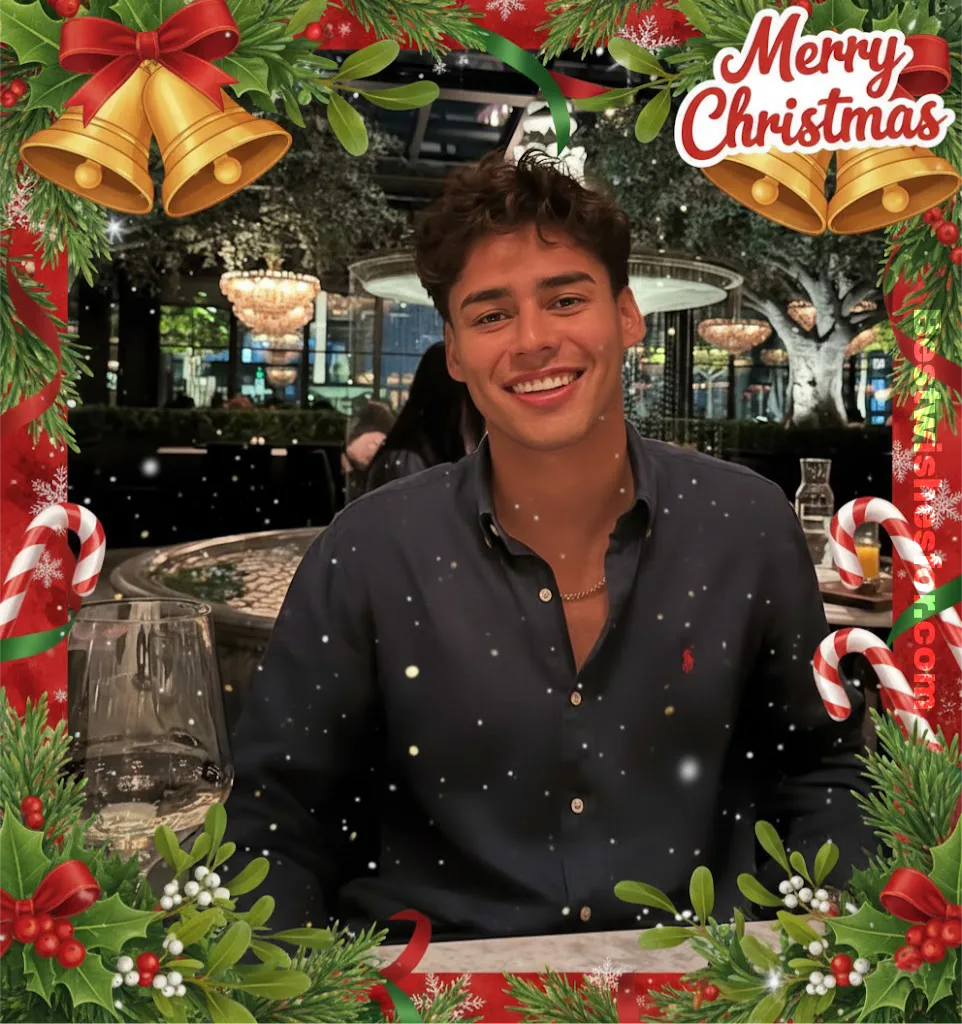
“Turn my image into a realistic red-and-green Christmas theme, preserving my true facial structure, natural look, and clarity. Surround me with Christmas bells, mistletoe, candy canes, ribbons, soft sparkles and Merry Christmas sticker. Add gentle snowflakes. Ensure perfect skin-tone matching and seamless background integration.”
4. Cozy Christmas Cabin Interior
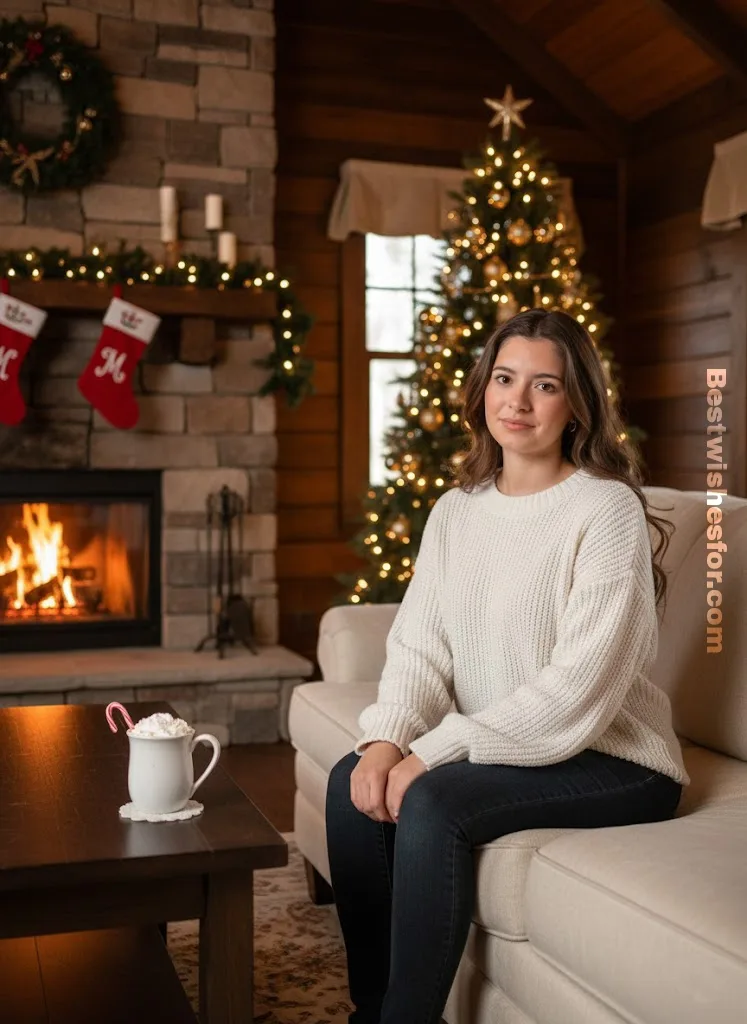
“Create a realistic Christmas cozy room where I am sitting on sofa. Keep my face exactly as it is-no distortion, no cartooning. Add a fireplace, wooden textures, stockings, hot chocolate mugs, and warm fairy lights. Match face lighting with the warm orange cabin glow for perfect realism.”
5. Snowy Christmas
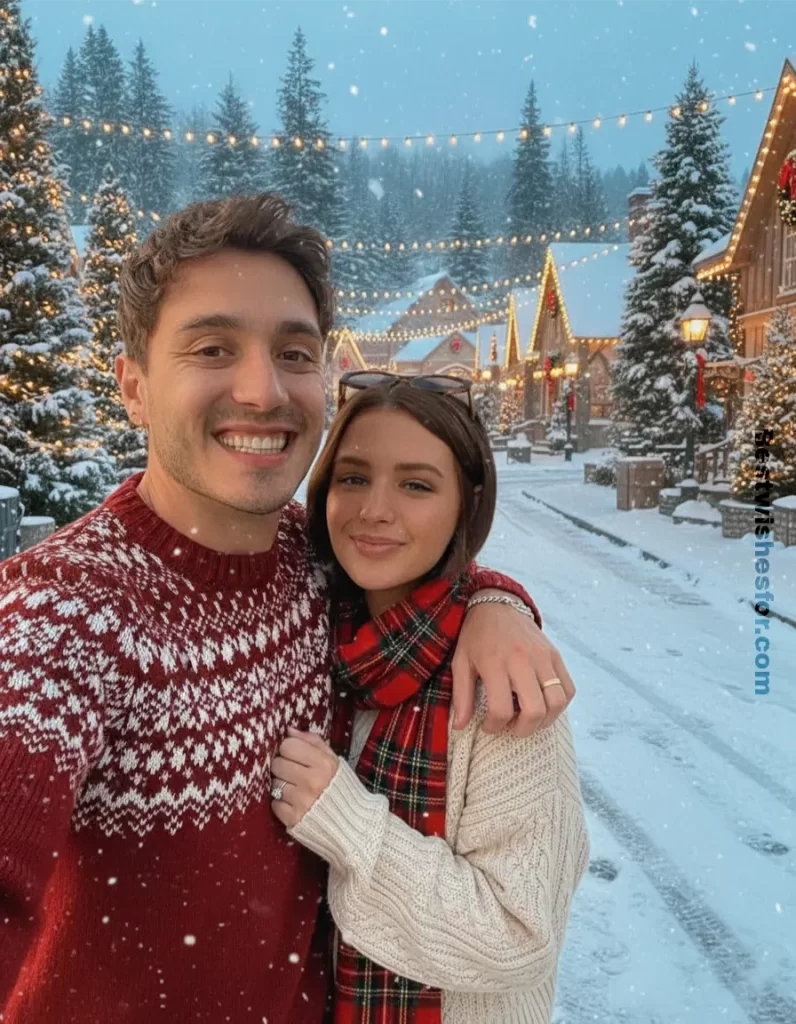
“Transform my picture into a winter wonderland scene. Maintain accurate face identity and winter dresses that match the Christmas vibes. Beautiful street decorated with lights. Add snow-covered pine trees and ground Adjust shadows and color grading to blend me naturally into the snowy forest atmosphere.”
6. Minimal Modern White Christmas Theme
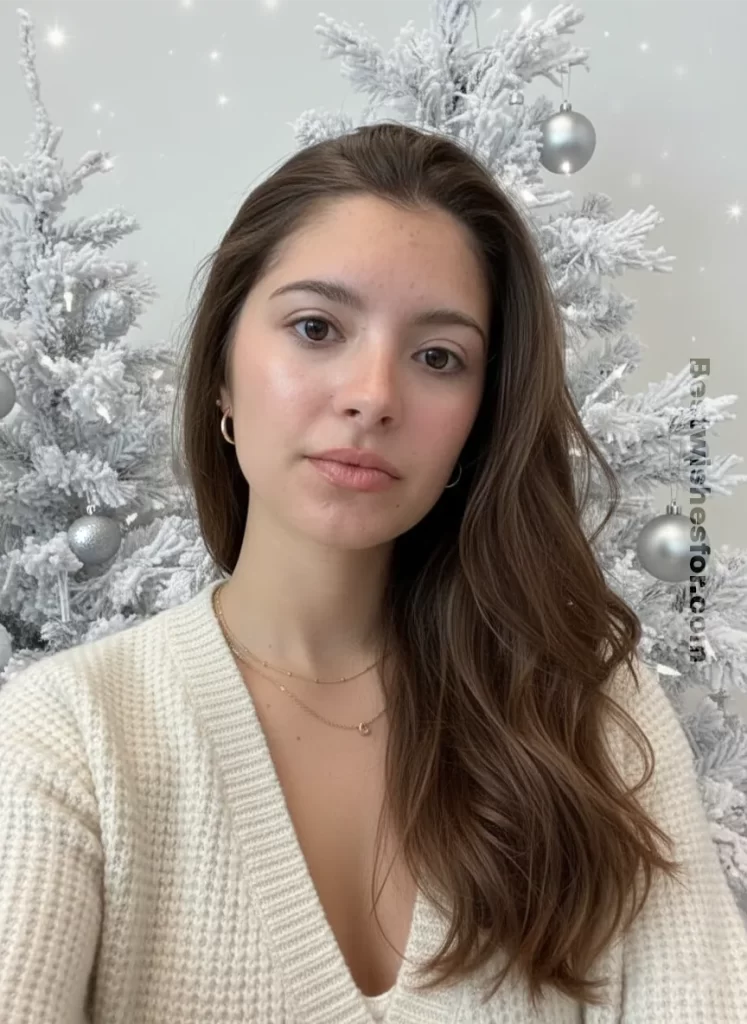
“Convert my image into a clean white Christmas portrait. Preserve my exact facial features, sharpness, and shape. Add frosty white branches, silver ornaments, minimalistic snowy textures, and soft white sparkles. Ensure even soft lighting and realistic depth of field.”
7. Christmas Market Night Glow
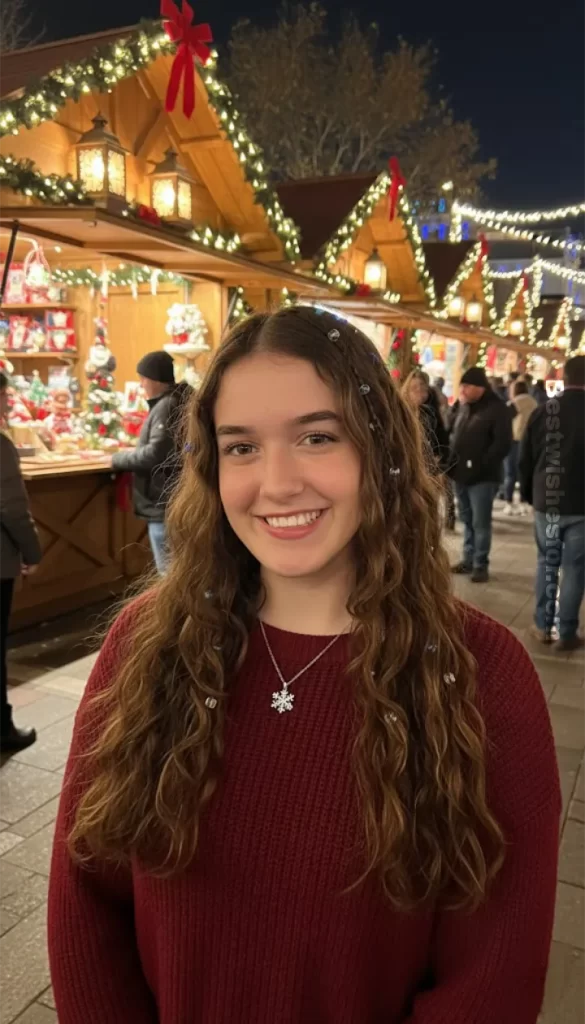
“Create a festive Christmas market portrait with my real face preserved accurately. Add glowing markets, lanterns, decorated stalls, and golden fairy lights. Match the warm night lighting on my face and ensure smooth blending with the busy festive background.”
8. Ghibli Christmas Town Street
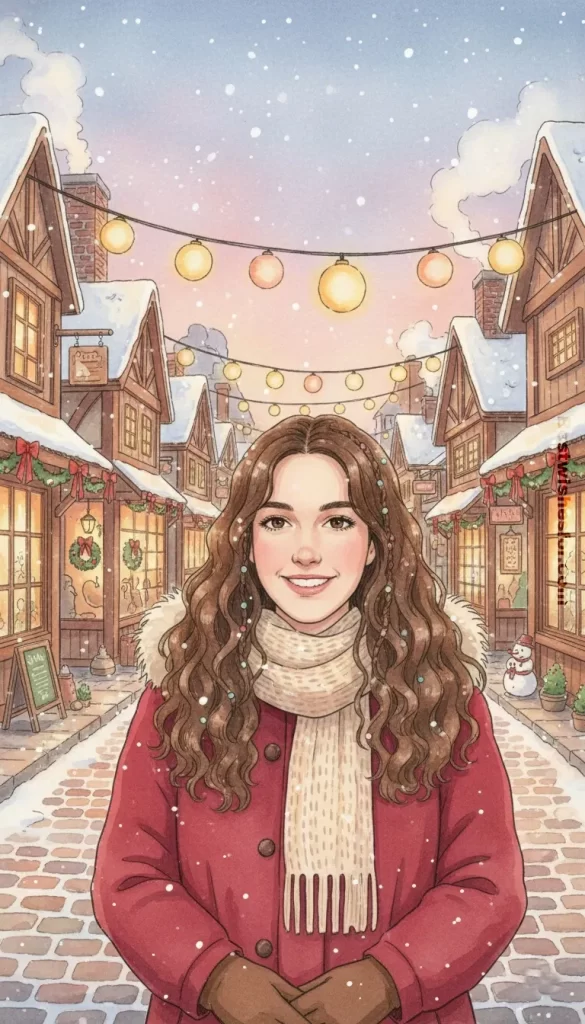
“Transform my image into a cozy Ghibli Christmas street scene. Maintain my exact facial identity. Add warm shop lights, red ribbons, snowfall, hand-drawn rooftops, and soft watercolor shadows. Include Ghibli-style warm magical atmosphere.”
9. Ghibli Christmas Fireplace Room
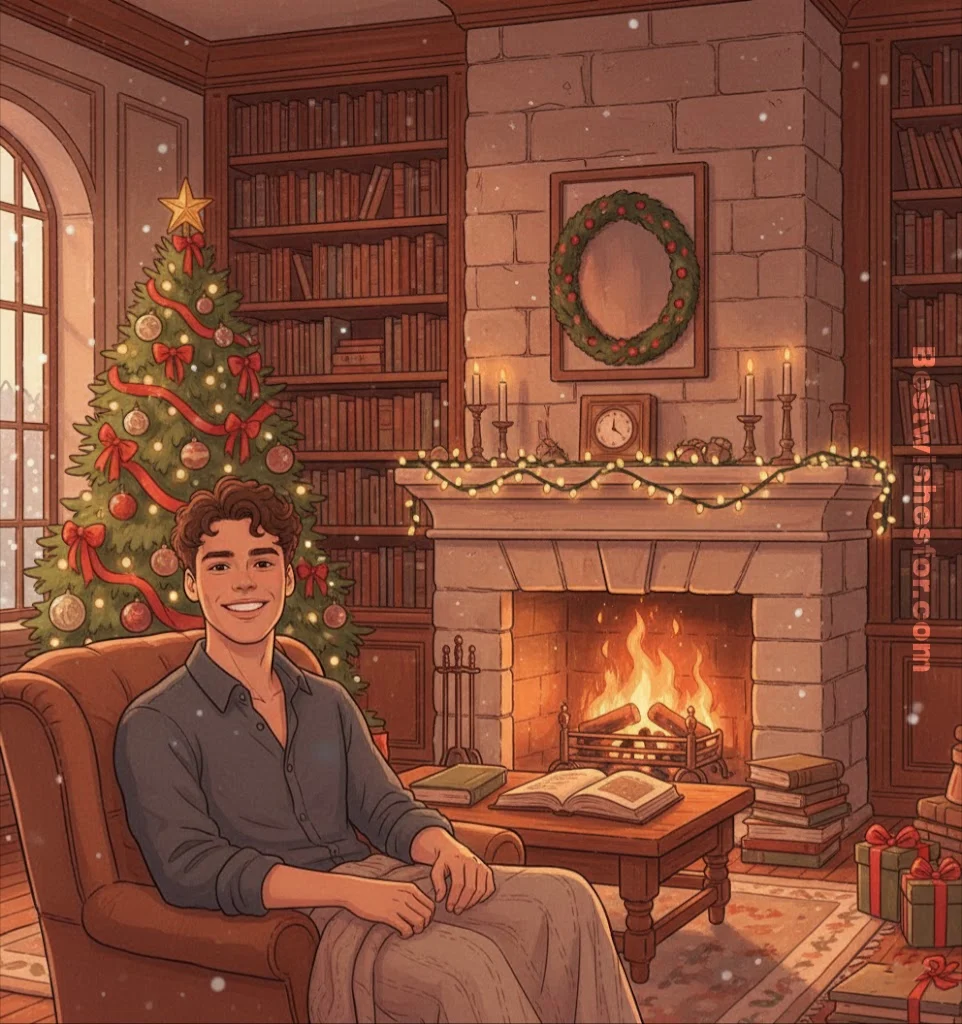
“Turn my photo into a warm indoor Ghibli scene with a Christmas fireplace. Preserve my real face features. Add flickering fire glow, wooden textures, fairy lights, ornaments, books, and cozy Ghibli-style warm color grading.”
10. Vintage Christmas Postcard Portrait
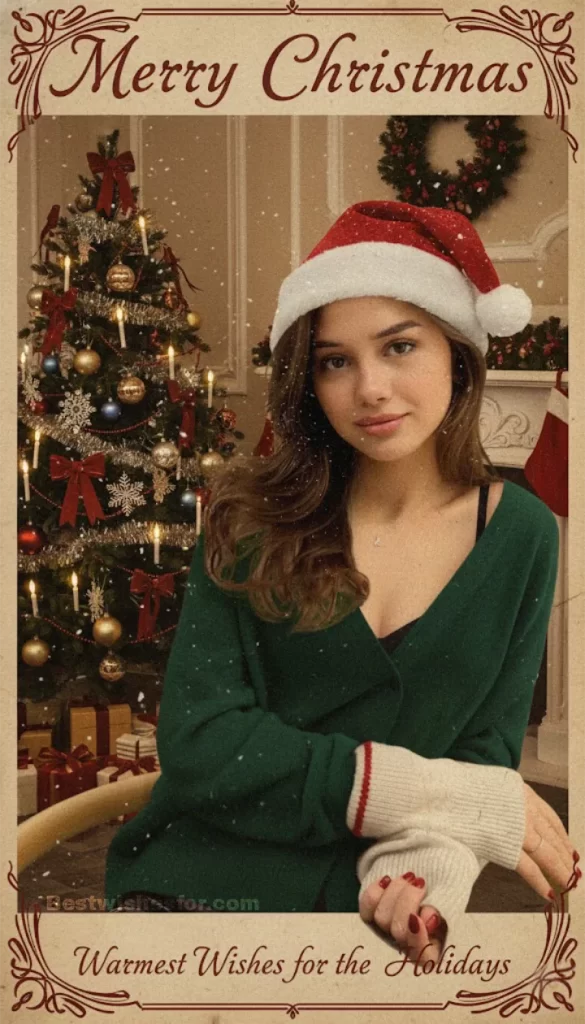
“Create a vintage Christmas postcard effect while keeping my face exactly the same and highly realistic. Add retro Christmas elements, warm muted tones, classic typography, snow grains, and old-texture overlays. Preserve facial sharpness and ensure natural blending with the vintage background.”
With just a few clicks, you can turn ordinary photos into festive masterpieces bursting with warmth and holiday charm. So what are you waiting for? Grab your phone and start creating stunning Christmas AI visuals-and share them every day on social media as your own exciting Christmas countdown begins.
Visit Also: Merry Christmas Wishes For Family & Friends