
Summary
Want to turn a regular selfie into something that looks pulled straight out of a dusty photo album from the Reagan era? This guide is your complete cheat sheet for ChatGPT 1980’s prompts for photo editing. Inside, you’ll find ten ready-to-use prompts – covering solo portraits, couple shots, prom nights, disco parties, family photos, and more – plus a simple step-by-step process for turning any modern photo into an authentic-looking 1980s snapshot using ChatGPT’s image generation tools. No design skills, no expensive software, and no waiting around for a professional editor. Just copy, paste, upload your photo, and watch the decade come alive again.
There’s something magnetic about old photographs. The soft film grain, the warm color casts, the slightly blown-out flash, the big hair and bigger shoulder pads – 1980s photography has a texture that modern smartphone cameras simply can’t replicate on their own. That’s exactly why 1980 photo editing prompts have become one of the most popular trends in AI image editing this year. People are taking their everyday photos and instantly transforming them into retro time capsules, complete with authentic film grain, vintage clothing, period-accurate hairstyles, and that unmistakable warm, slightly faded color palette of the era.
The best part is that you don’t need Photoshop skills or a vintage camera to pull this off. With ChatGPT’s image generation and editing capabilities, all it takes is a well-written prompt and a photo. Whether you want a moody single portrait that looks like it belongs in a high school yearbook, or a couple’s photo styled like a movie poster from an ’80s rom-com, the right prompt does all the heavy lifting.
In this guide, we’ll walk through ten of the best prompts for creating 1980s-style photos, show you exactly how to use them with ChatGPT, and share tips to get the most realistic and flattering results. Whether you’re doing this for fun, for social media content, for a themed party invitation, or just out of nostalgia, you’ll have everything you need by the end of this post.
Visit Also: 10 Unique Gemini AI Prompts for Women in the Workplace
10 ChatGPT 1980’s Vintage Photo Editing Prompts
Below are ten prompts covering a range of 1980s aesthetics – from single-person portraits to couple shots, family photos, and group scenes. Each one is written to work directly with an uploaded photo in ChatGPT. Copy the exact wording, paste it into your chat along with your photo, and adjust any details (like hair color or clothing) to match your preference.
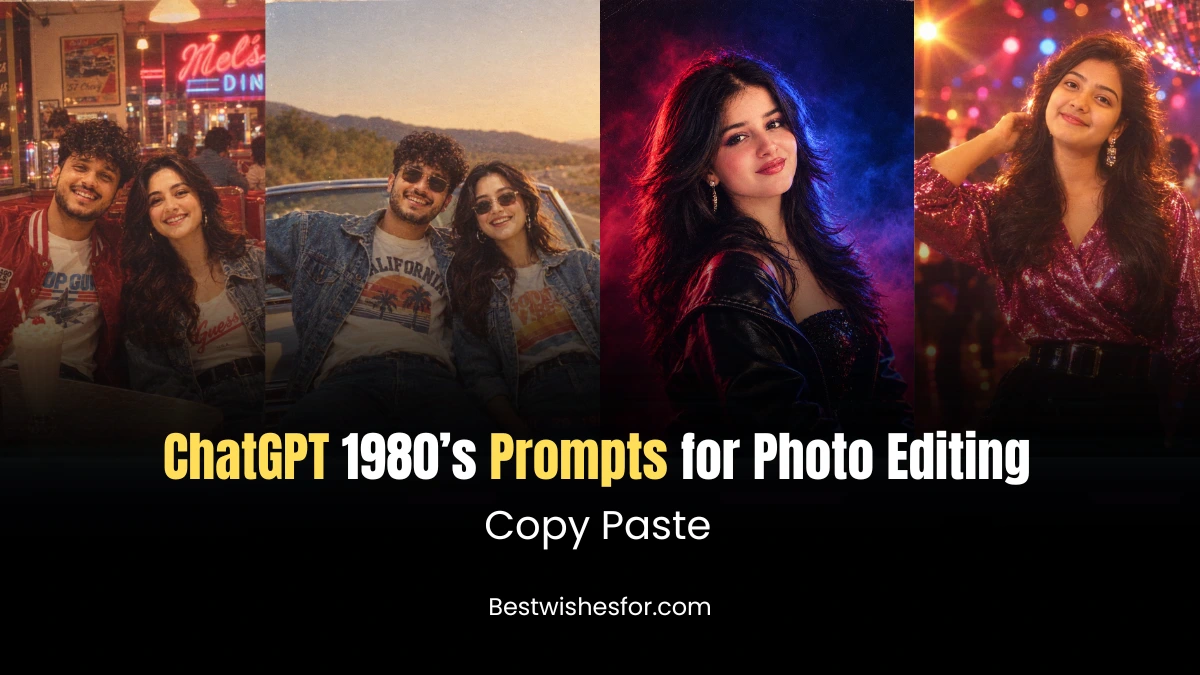
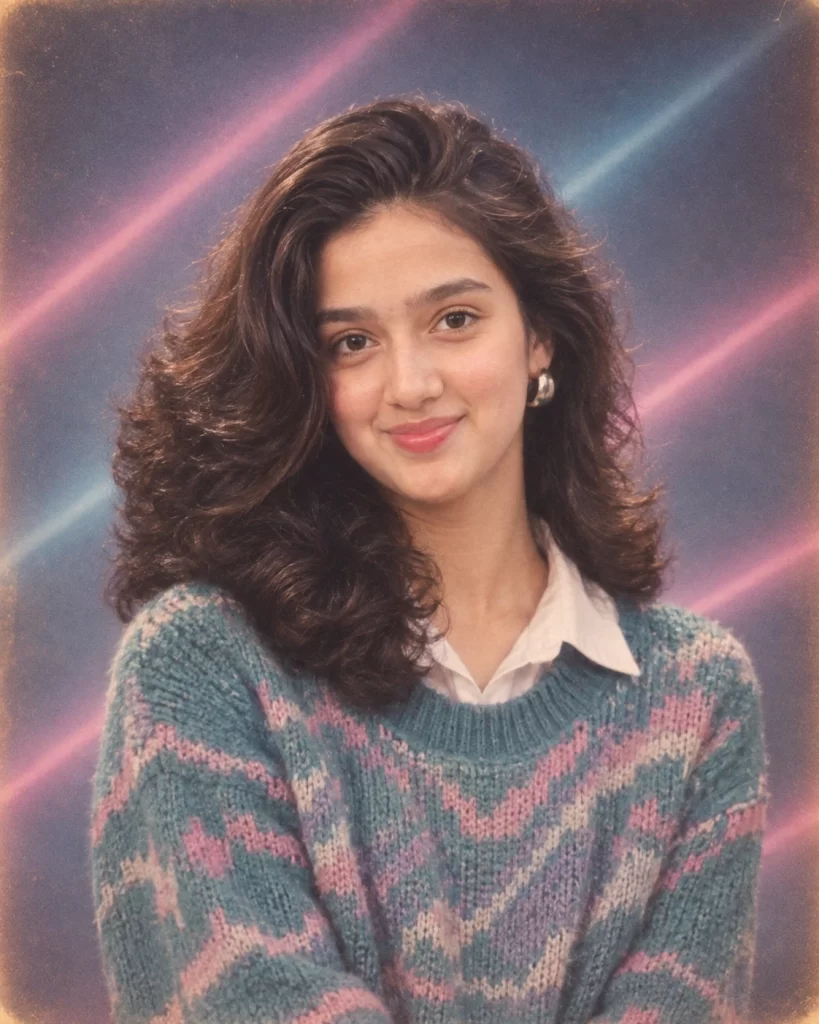
Classic 1980s Yearbook Portrait
A soft-focus studio portrait, the kind every American high schooler had taken in 1985.
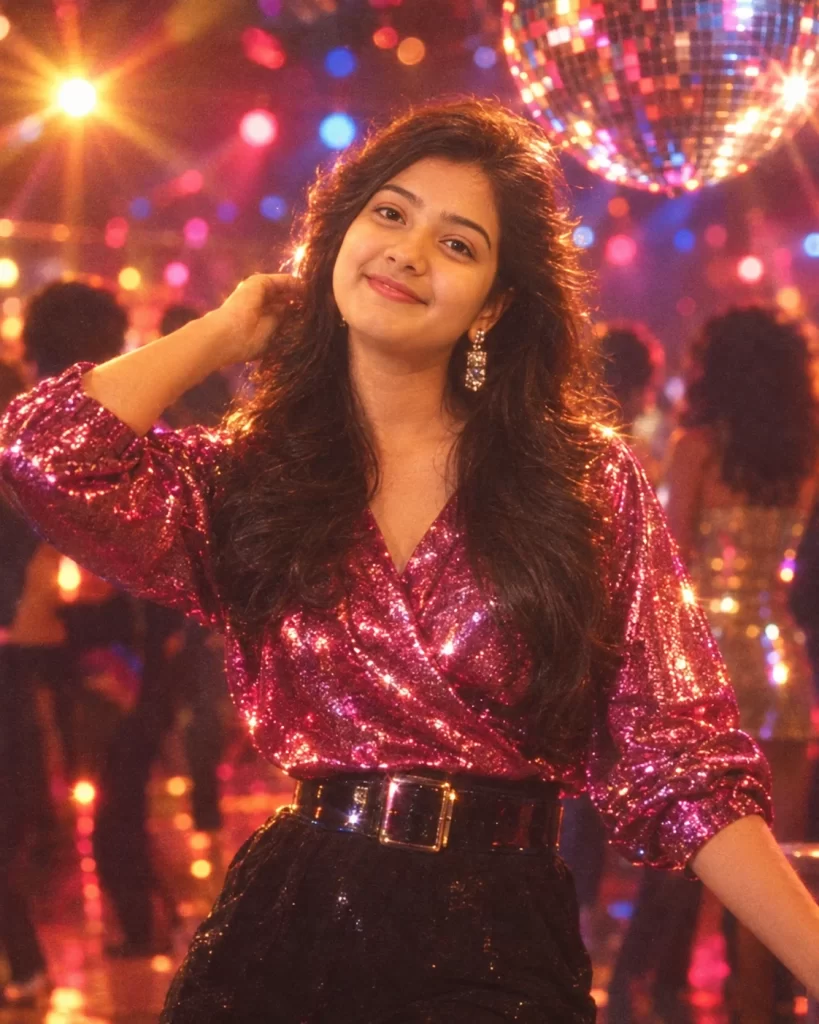
Retro Disco Night Portrait
For anyone who wants their inner Studio 54 dancer to shine through.
VHS Home Video Freeze-Frame
That grainy, slightly-off-color look of a paused VHS tape.
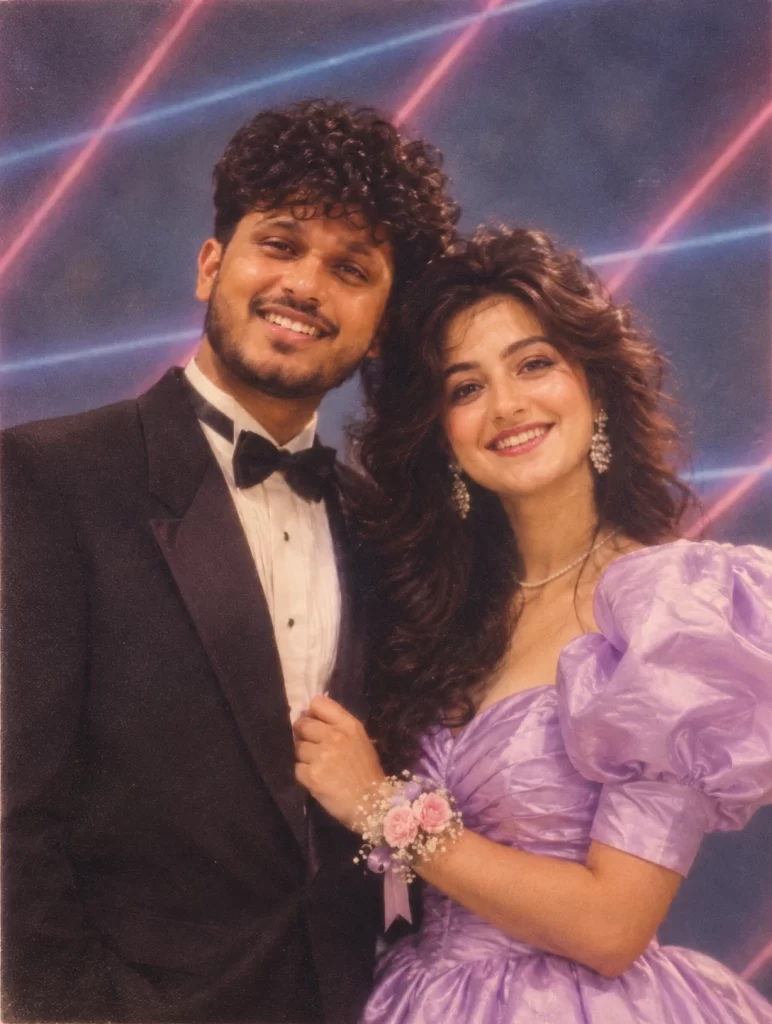
1980s Prom Night Couple Portrait
A romantic, corsage-and-tuxedo throwback for couples.
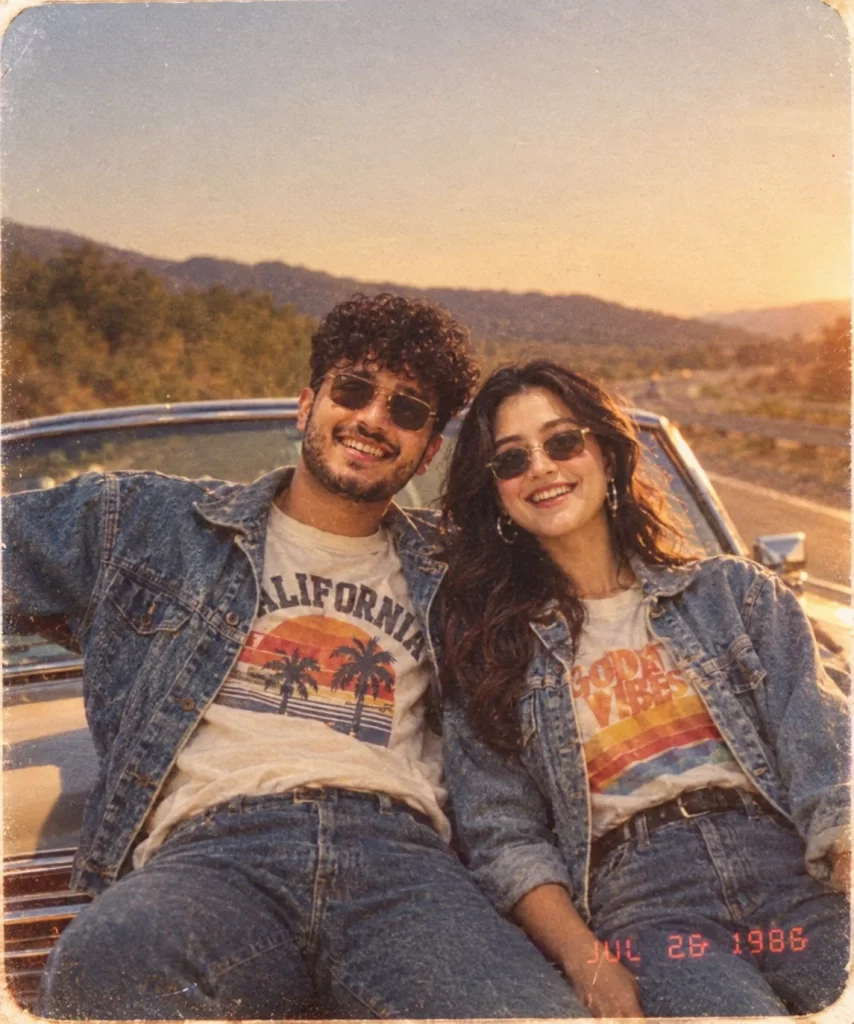
Retro Road Trip Couple Photo
A sun-faded snapshot of two people leaning against a vintage car.
1980s Family Portrait
The classic mall-studio family photo, patterned backdrop and all.
Neon Aerobics & Workout Photo
Leg warmers, headbands, and neon everything.
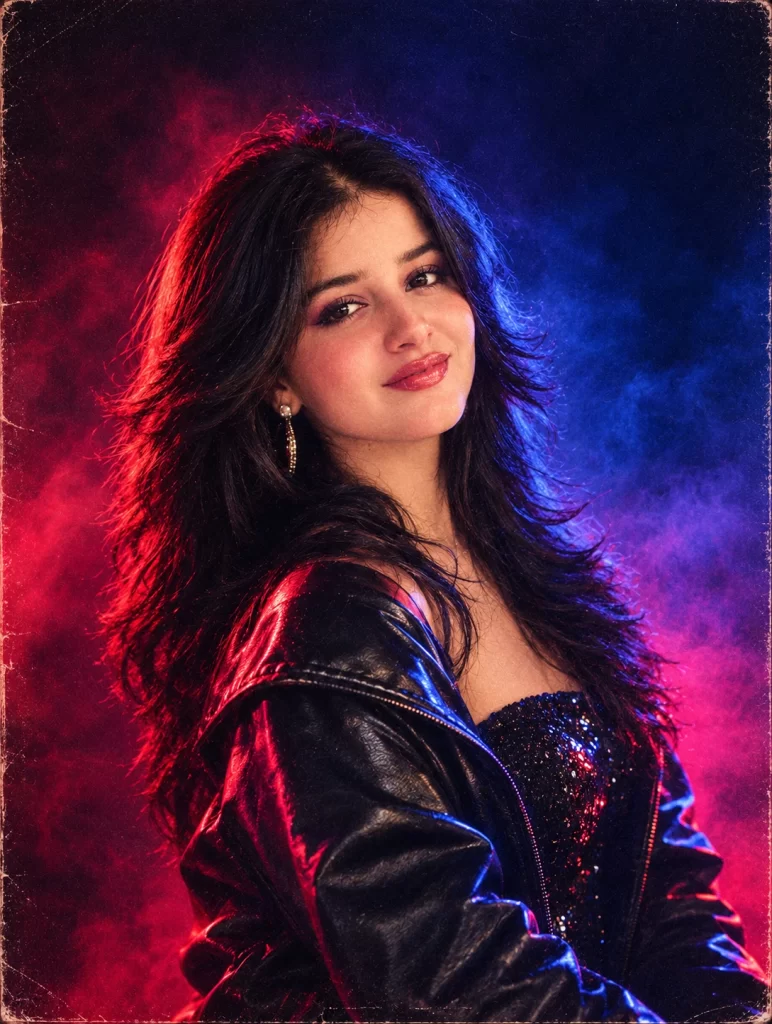
1980s Band / Album Cover Style
A dramatic, moody portrait styled like an album cover.
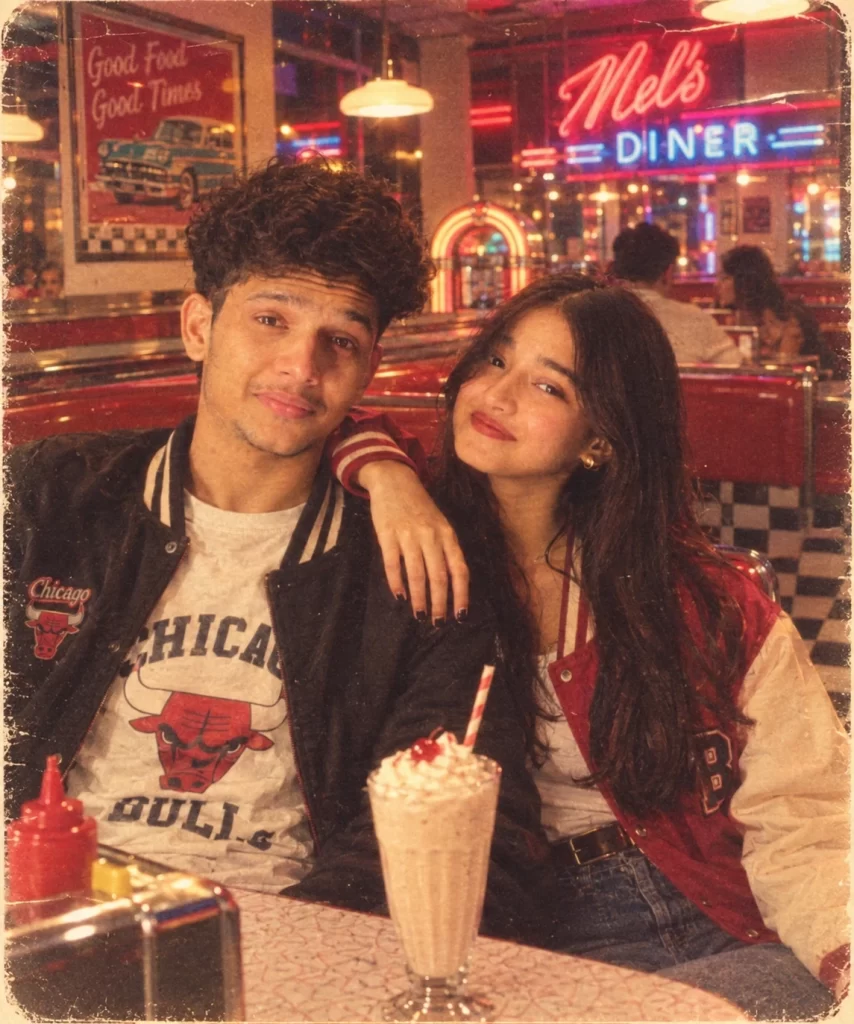
Retro Diner Date Couple Photo
A cozy, candid booth photo styled like a scene from an ’80s teen movie.
Beach Boardwalk Summer Photo
Sunny, saturated, and full of summer nostalgia.
How to Generate a 1980s Vintage Photo with ChatGPT (Step-by-Step)
Now that you have the prompts, here's exactly how to put them to work. This process works whether you're using ChatGPT on desktop or mobile.
Step 1: Choose a clear, well-lit photo
Pick a photo where your face (or the faces of everyone in the shot) is clearly visible and not obstructed by shadows, sunglasses, or busy backgrounds. Front-facing or slightly angled photos tend to produce the most realistic results.
Step 2: Open a new ChatGPT chat and upload your photo
Start a fresh conversation, tap the attachment or image icon, and upload the photo you want to transform.
Step 3: Copy one of the 10 prompts above
Grab the exact wording from any prompt above. These prompts are part of a broader category of AI photo prompts designed specifically to guide image models toward accurate, consistent visual styles rather than vague or inconsistent results.
Step 4: Paste the prompt into the chat along with your photo
Send the image and prompt together in the same message for the best results. You can also add small personal touches, like specifying a hair color, an outfit preference, or a particular mood.
Step 5: Review the generated image
ChatGPT will process your request and generate a new version of your photo styled for the 1980s. If something looks off - like an inaccurate outfit or hairstyle - reply with a follow-up message asking for specific adjustments (e.g., "make the background more pink" or "add more film grain").
Step 6: Regenerate if needed
AI image generation can vary from attempt to attempt. If the first result doesn't match what you pictured, simply ask ChatGPT to try again, or tweak the wording of the prompt slightly for a different outcome.
Step 7: Download and share your finished photo
Once you're happy with the result, download the image directly from the chat. It's ready to post, print, or use for a themed invitation, throwback social media post, or personal keepsake.
Visit Also: Trending Instagram Saree Girl AI Prompts: 10 Ideas to Generate Realistic Images
Quick Tips for Better Results
- Be specific about details you care about, like hair color, clothing style, or background setting.
- If editing a couple's photo, mention both people's positions or poses so the AI keeps them balanced in the frame.
- Avoid overly complex backgrounds in your original photo, as busy scenes can confuse the styling process.
- Experiment with combining elements from two prompts (e.g., a diner background with disco-style lighting) for a unique version.
Conclusion
The 1980s had a visual identity all its own, and thanks to modern AI tools, that identity is more accessible than ever. With the right ChatGPT photo editing prompts, anyone can turn a modern photo into a convincing, nostalgic snapshot from the decade of big hair, bold colors, and analog charm. Whether you're creating content for social media, planning a retro-themed event, or simply having fun reimagining your own photos, these ten prompts give you a strong starting point. Copy them, customize them, and experiment freely - the perfect throwback photo is just one prompt away.
I am a seasoned blogger with over 10 years of experience in content writing. I specialize in creating engaging articles on festivals and events, sharing cultural insights, traditions, and celebration ideas with readers worldwide. My work focuses on delivering informative and easy-to-understand content that connects with diverse audiences.