
SUMMARY
A strong LinkedIn photo can be the difference between a profile that gets ignored and one that gets opened. This guide gives you 10 ready-to-use professional LinkedIn headshot chatgpt prompts (5 for women, 5 for men) with a working copy button, so you can turn one everyday selfie into a polished, realistic professional photo. Every prompt is written to keep your exact face match and skin tone. You will also get a simple step-by-step process, fixes for common problems, and export tips for LinkedIn.
You do not need a photographer, a studio, or a big budget to get a great LinkedIn headshot anymore. With the right prompt and one clear photo of yourself, ChatGPT can create a clean, professional portrait in a few minutes.
If you have been searching for ChatGPT prompts professional photo results that actually look like you, this guide is for you. The prompts below are written to do one job well: take your uploaded photo and produce a realistic professional image with your exact face match and true skin tone, so the result still looks like the real you and not a filtered stranger.
Just copy a prompt, upload your photo in ChatGPT, and generate. Scroll down for the prompts, then follow the step-by-step guide to get the best result on the first try.
Why a Professional Profile Photo Matters on LinkedIn
Your LinkedIn photo is the first thing recruiters, clients, and hiring managers see, often before they read a single word of your headline. In a few seconds, people decide whether you look approachable, credible, and worth a click.
- First impressions form fast. A clear, well-lit face builds trust before anyone reads your profile.
- Profiles with a photo get noticed more. LinkedIn itself recommends adding a photo, and profiles without one tend to look incomplete or inactive.
- It signals professionalism. Good lighting, neat attire, and a clean background suggest you take your work seriously.
- It makes you memorable. A friendly, confident expression helps people remember you after a meeting, a comment, or a connection request.
- It supports your personal brand. Your photo, headline, and banner should all tell the same story.
The goal is not to look like someone else. It is to look like the best, most confident version of yourself, which is exactly why every prompt below insists on keeping your real face and skin tone.
What Every Prompt Below Does
All 10 prompts follow the same core guideline, so your result stays realistic and recognizable:
- Exact face match: keeps your face shape, eyes, nose, lips, hairline, and hairstyle unchanged.
- Exact skin tone and color: no lightening, darkening, or color shifts.
- Natural skin texture: no plastic smoothing or heavy beautifying.
- Professional styling: outfit, background, and lighting suited to LinkedIn.
- Square 1:1 crop: ready for your LinkedIn profile picture.
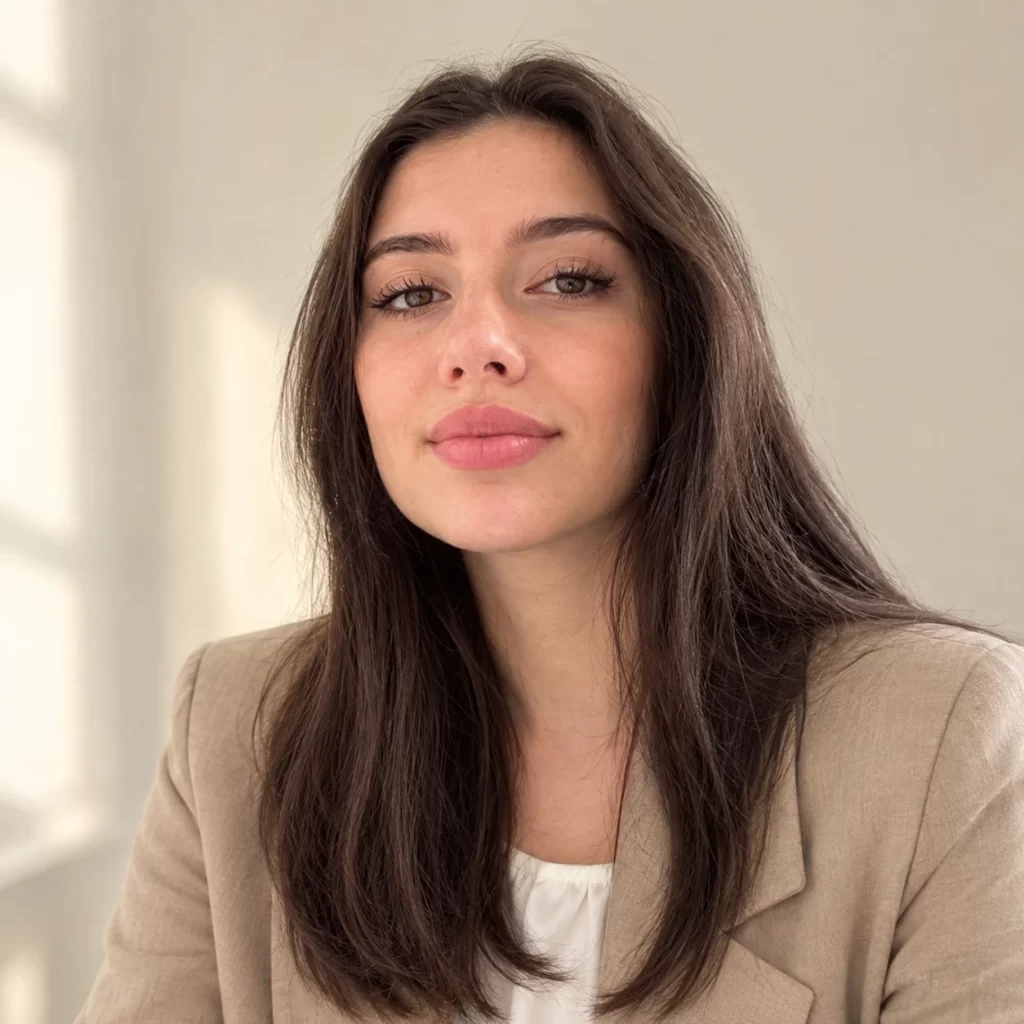
Top 5 Professional Headshot Prompts for Women
Copy any prompt, upload your photo in ChatGPT, and generate.
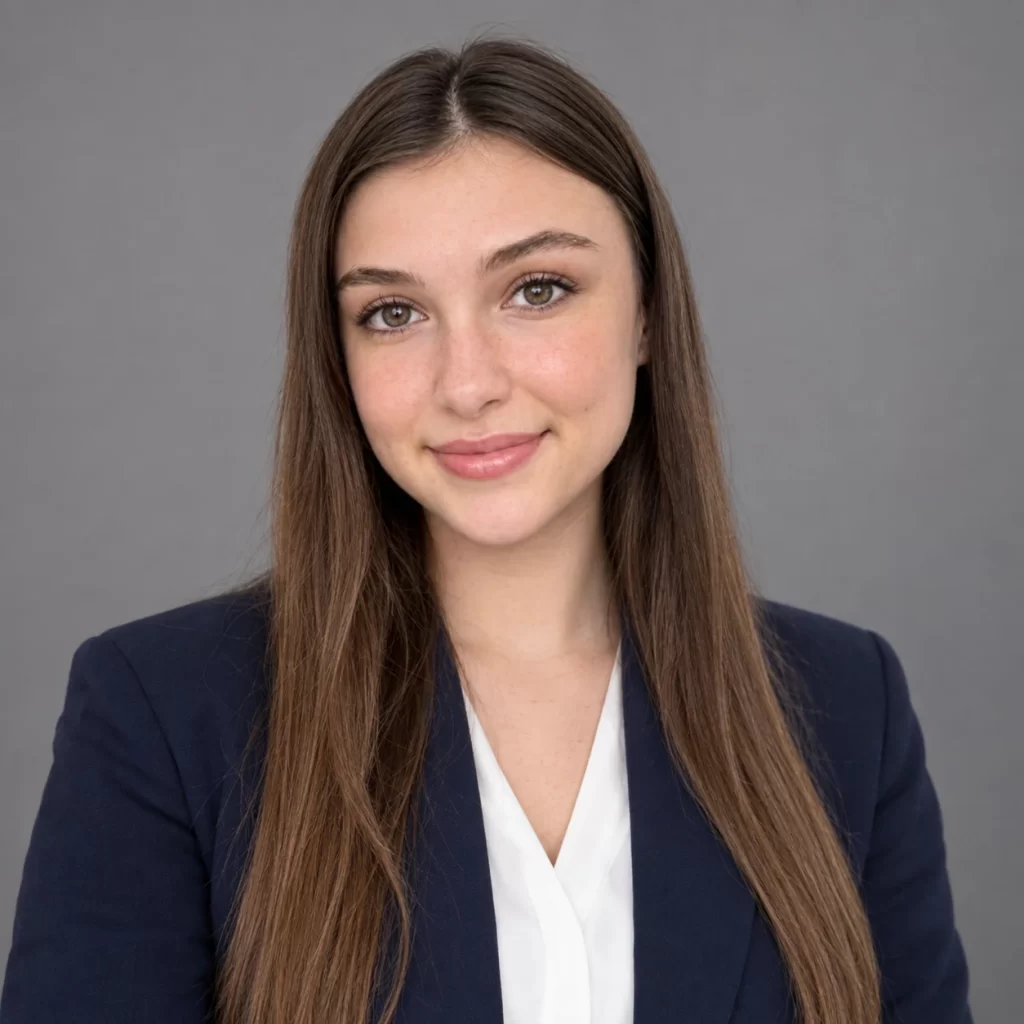
Prompt 1: Classic Corporate Headshot
Best for: finance, law, consulting, and corporate roles.
Prompt 2: Modern Creative Professional
Best for: marketing, design, media, and freelancers.
Prompt 3: Executive Leadership Portrait
Best for: managers, directors, founders, and C-suite profiles.
Prompt 4: Friendly Startup Look
Best for: tech, HR, sales, and customer-facing roles.
Prompt 5: Outdoor Natural Light Portrait
Best for: coaches, consultants, real estate, and personal brands.
Explore More: Unique Gemini AI Prompts for Women in the Workplace
Top 5 Professional Headshot Prompts for Men
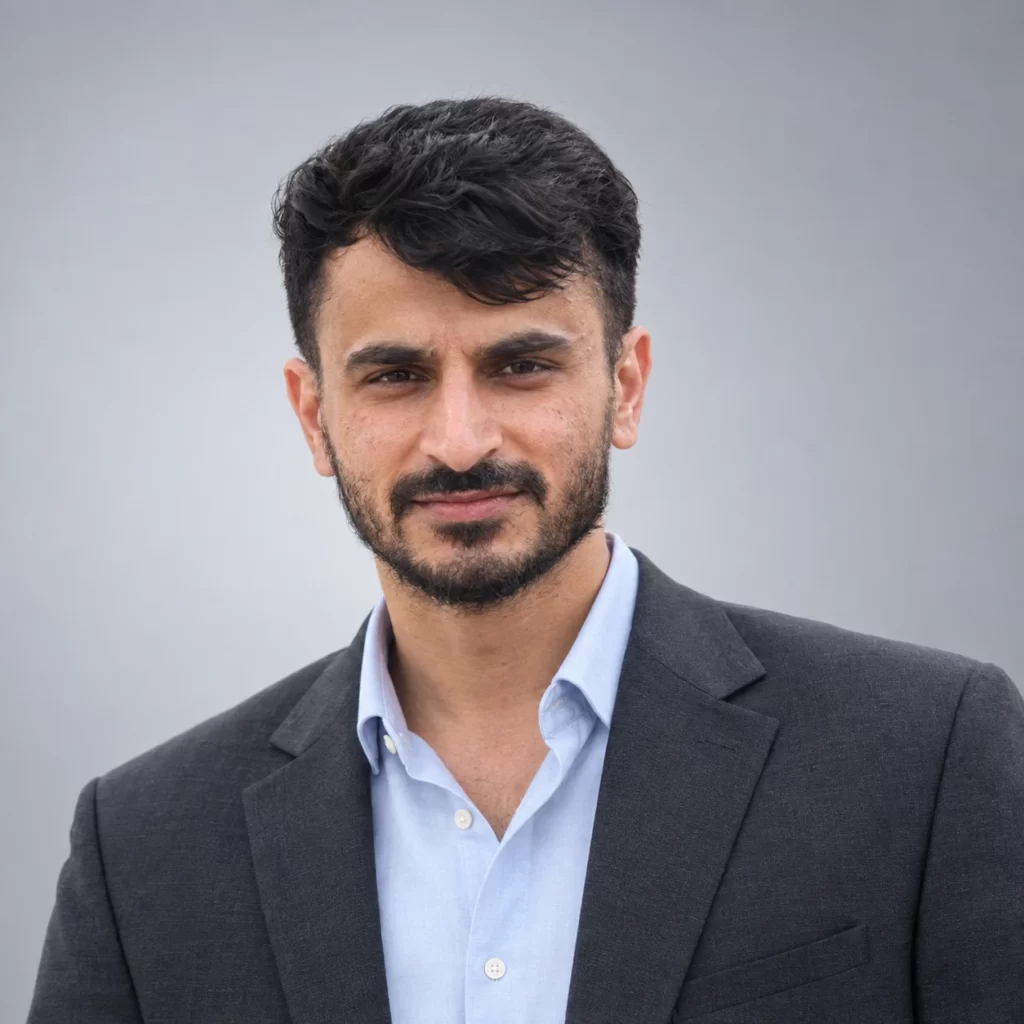
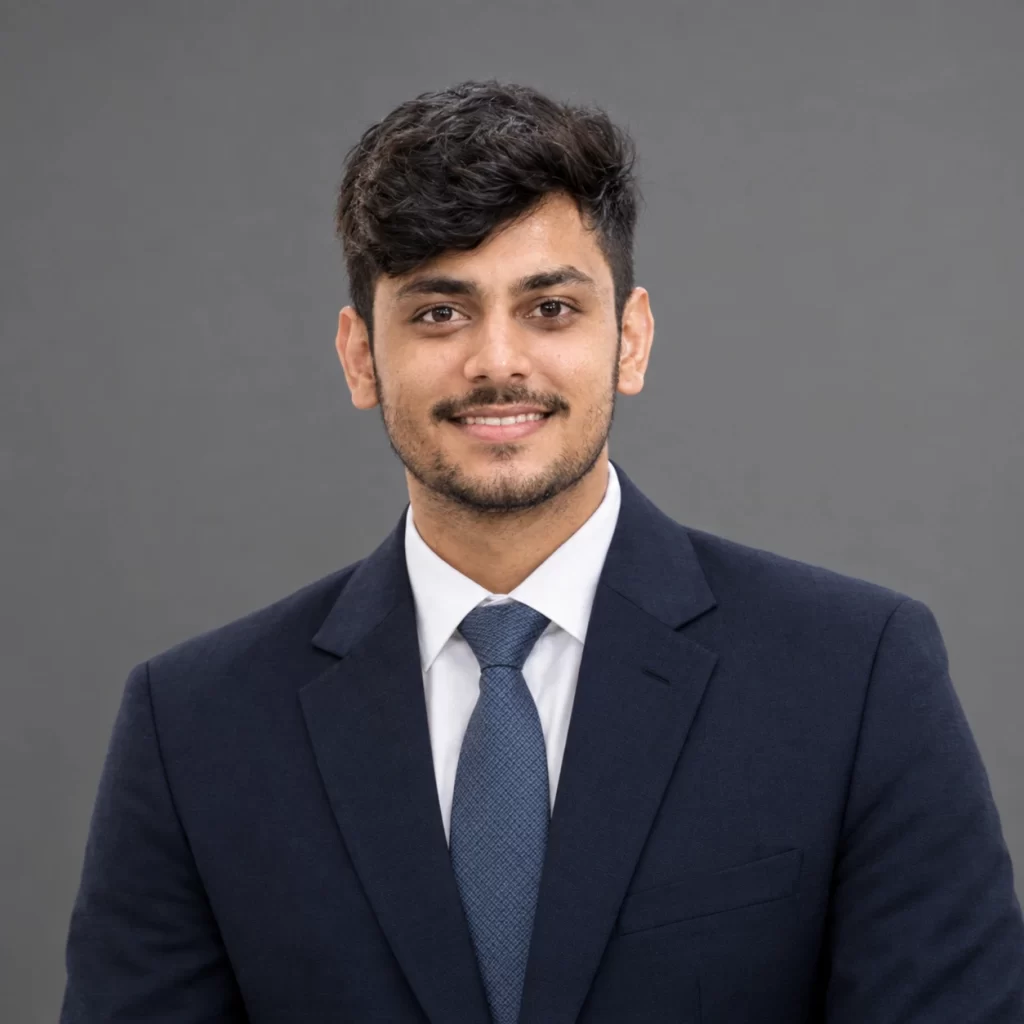
Prompt 1: Classic Corporate Suit
Best for: banking, law, sales, and corporate roles.
Prompt 2: Modern Business Casual
Best for: consultants, managers, and most office jobs.
Prompt 3: Executive Boardroom Portrait
Best for: directors, founders, and senior leadership.
Prompt 4: Tech and Startup Casual
Best for: developers, product managers, and founders.
Prompt 5: Outdoor Natural Light Portrait
Best for: coaches, consultants, real estate, and personal brands.
How to get professional headshots with ChatGPT: Step-By-Step
Choose The Right Source Photo
Pick a clear, front-facing photo with good natural light. Your full face should be visible, with no sunglasses, heavy filters, or hands covering your face. A recent, high-resolution image works best, because the AI can only match what it can see.
Open ChatGPT and start a new chat
Log in to ChatGPT on the web or in the app and open a new chat with image generation available. Image limits depend on your plan, so check what is available to you.
Upload your photo
Tap the plus or attachment icon and upload your photo. Wait until the upload finishes before sending your prompt.
Paste your chosen prompt
Pick a prompt from the women or men sections above, press the Copy Prompt button, paste it into the chat, and send.
Review the result carefully
Compare the new image with your original. Check that your face, hairline, and skin tone match. Zoom in on the eyes, teeth, and hands (if visible) for any odd details.
Refine with a follow-up prompt
If something is off, reply in the same chat with a short correction. Examples are listed below.
Crop, export, and upload to LinkedIn
Crop the image into a square with your face filling roughly half to two-thirds of the frame. Save it as a JPG or PNG (at least 400 x 400 pixels), then upload it from your LinkedIn profile.
Handy Follow-Up Prompts to Fix Common Issues
Face does not match
PROMPT (copy and paste into ChatGPT): The face does not match my uploaded photo. Regenerate with an exact face match, keeping my real facial features and hairstyle unchanged.
Skin tone changed
PROMPT (copy and paste into ChatGPT): Match my skin tone and color exactly to the uploaded photo. Do not lighten, darken, or change the undertone.
Looks too smooth or fake
PROMPT (copy and paste into ChatGPT): Make the skin look more natural with visible texture and no heavy retouching. Keep everything else the same.
Wrong expression
PROMPT (copy and paste into ChatGPT): Keep the same outfit and background, but give me a more natural, relaxed smile.
Quick Tips for Better Results
- Use one prompt per chat to keep the result clean, or start a new chat if the results drift.
- Generate a few versions and pick the one that looks most like you on a normal day.
- Keep edits believable. Your LinkedIn photo should still look like you when someone meets you.
- Match your background and outfit to your industry, for example a suit for law, smart casual for tech.
- AI results can vary. If the face is not right, regenerate rather than settling for a close match.
Conclusion
A professional LinkedIn photo no longer needs a studio session. With the 10 prompts above, you can turn one clear photo into a polished headshot that keeps your exact face and skin tone, and looks right for your industry.
Start with the style that matches your career, refine the result with a follow-up message, and export a clean square image for your profile. Once you get comfortable with AI prompts for editing, you can also adjust your background, outfit, or lighting for banners, resumes, speaker bios, and company websites.
Bookmark this page, try a couple of prompts today, and update your LinkedIn photo with the version that feels most like you.
Related Blogs
ChatGPT Photo Editing Prompts for Girls Trending
I am a seasoned blogger with over 10 years of experience in content writing. I specialize in creating engaging articles on festivals and events, sharing cultural insights, traditions, and celebration ideas with readers worldwide. My work focuses on delivering informative and easy-to-understand content that connects with diverse audiences.